Tutorials • cPanel
Changing the theme of the cPanel account
Find out how to change your cPanel account theme step by step, choosing from available options such as Dark, Light, or Retro.
1
Views 967Updated 2 aniPublished on 15/08/2017by Florin P.
Introduction
In this tutorial we will show how to modify the cPanel account theme.
Requirements
- cPanel account login details
Steps
- To modify the cPanel account theme, we will log into the cPanel account and go to the Preferences section, and then we will click on Change Style.

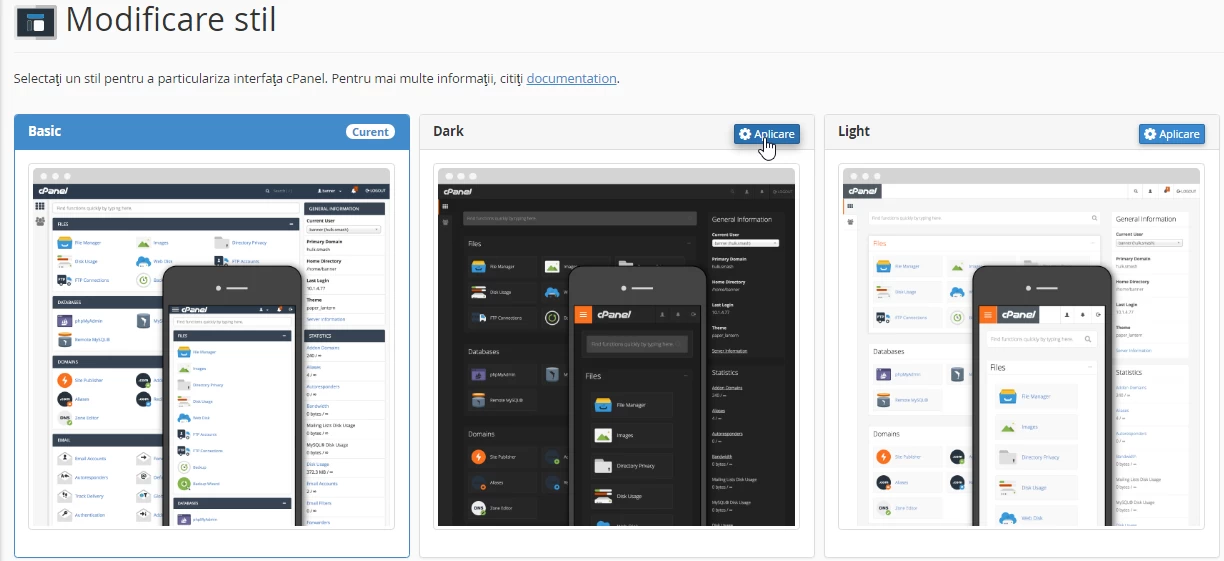
- On the next page, several templates for themes are provided: Basic current (active theme), Dark, Light, and Retro (available themes).
- We will choose the Dark theme and to activate it we will click on Apply. The changes are visible immediately.