Tutorials • WHM
Modify account in WHM
Learn how to modify a hosting account in WHM! Follow the simple steps to adjust the information, resource limits, and DNS settings.
Views 969Updated 2 aniPublished on 07/06/2018by Cătălin A.
Introduction
This tutorial explains how to modify a hosting account in the WHM admin panel of a reseller.
Requirements
- a WHM account
Steps to Follow
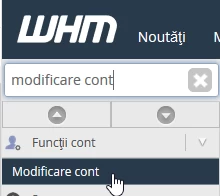
- after logging in to the WHM control panel, in the interface that will be displayed, we search in the top left window for "Modify Account"
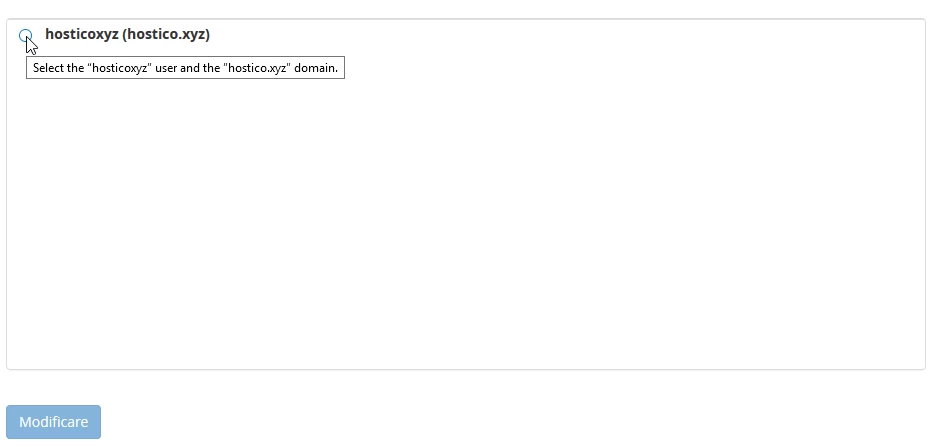
- after selecting the result, in the next window you will be able to search for the account for which you want to make changes in the search box

- from the box below, the result is selected and the "Modify" button is pressed
- in the next window, the account options that can be modified will be displayed, such as:
- Basic information
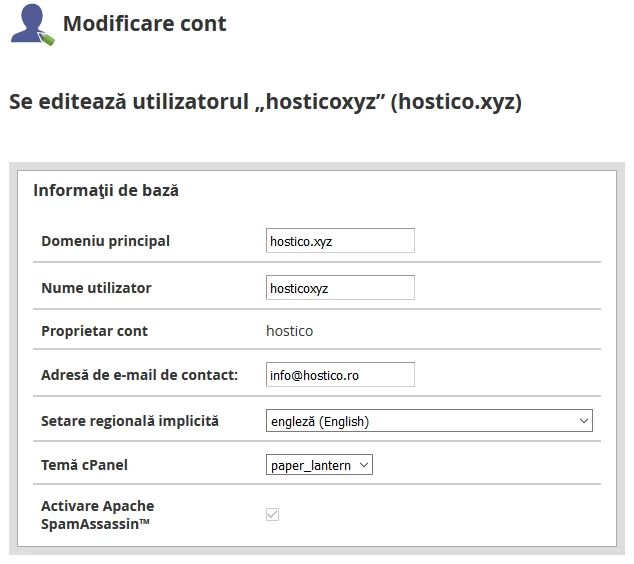
2. Resource Limits
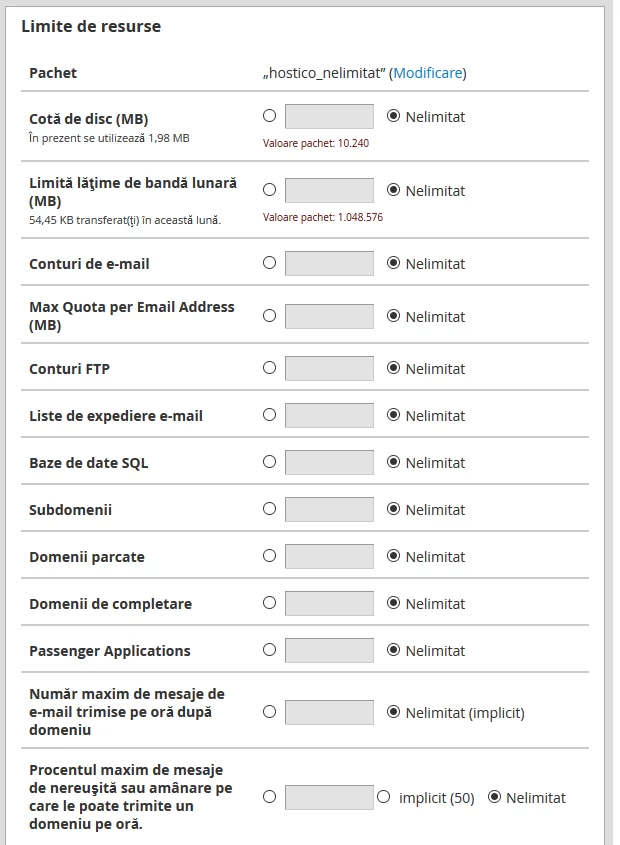
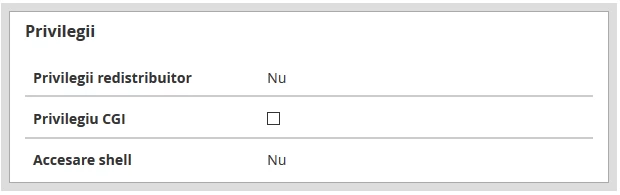
3. Privileges
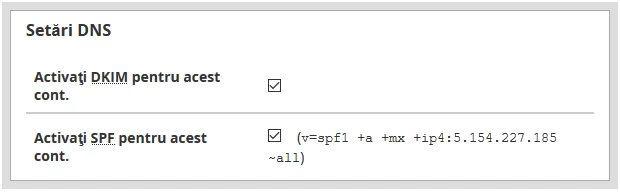
4. DNS Settings
- after modifying the desired settings, press the "Save" button located at the bottom of the page
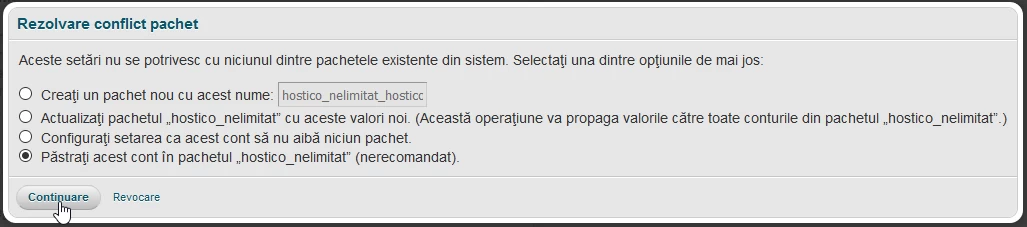
- a window will appear with several options such as:
- Update the „hostico_nelimitat” package with these new values. (This operation will propagate the values to all accounts in the „hostico_nelimitat” package.)
- Set the configuration so that this account has no packages.
- Keep this account in the "hostico_unlimited" package (not recommended).
- the desired option is selected after which the "Continue" button is pressed
- after successfully saving the changes, a confirmation message will appear in the bottom right corner of the page
