Tutorials • Webuzo
Viewing a log file or authentication log in the Webuzo administration panel.
In this tutorial, we will show you how to view a log file or authentication log in the Webuzo admin panel.
Views 1162Updated 1 anPublished on 17/08/2017by Florin P.
Introduction
- In this tutorial we will show you how to view a login log file in the Webuzo administration panel.
Requirements
- A Webuzo account
Steps
- After logging into the Webuzo panel, we will go to the Server Utilities section and click on Login Logs.

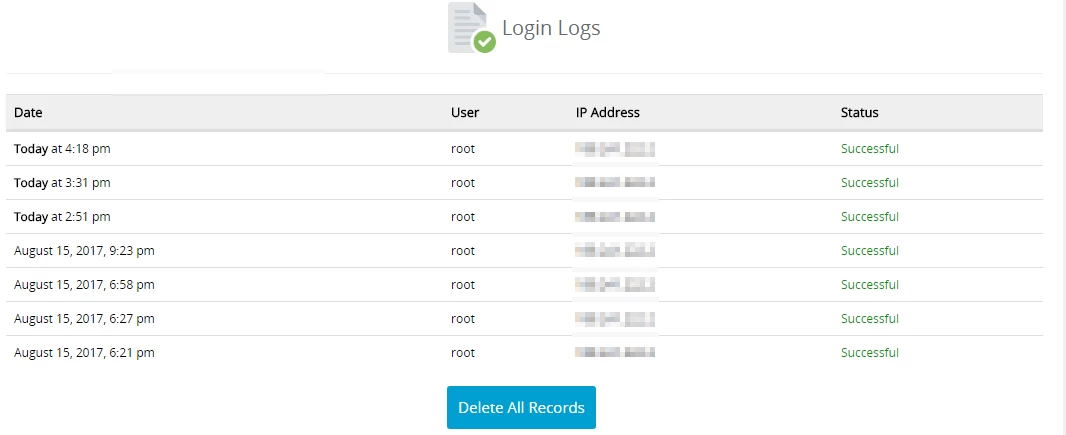
- On the next page, we have the following information available about the logins in the Webuzo admin panel:
- Date in the format - month/day/year/hour.
- User/utilizator - root.
- IP Address - the IP address from which authentication was made.
- Status - the state of the authentication attempt.
- To delete all records we can click on Delete All Records.